The Arduino Relay Module is a versatile accessory that allows Arduino enthusiasts and hobbyists to control high-voltage devices using their Arduino boards. In this comprehensive guide, we will delve into the workings of the Arduino Relay Module, its various applications, and how to use it effectively. So, let’s embark on this journey to master the Arduino Relay Module.
**Introduction**
The Arduino Relay Module is a small, yet powerful device that acts as an intermediary between the low-voltage microcontroller (Arduino) and high-voltage appliances. It enables you to control devices such as lights, motors, and other high-voltage equipment with your Arduino board. This article will help you understand the basics of the Arduino Relay Module, its components, and how to integrate it into your projects.
**Understanding the Arduino Relay Module**
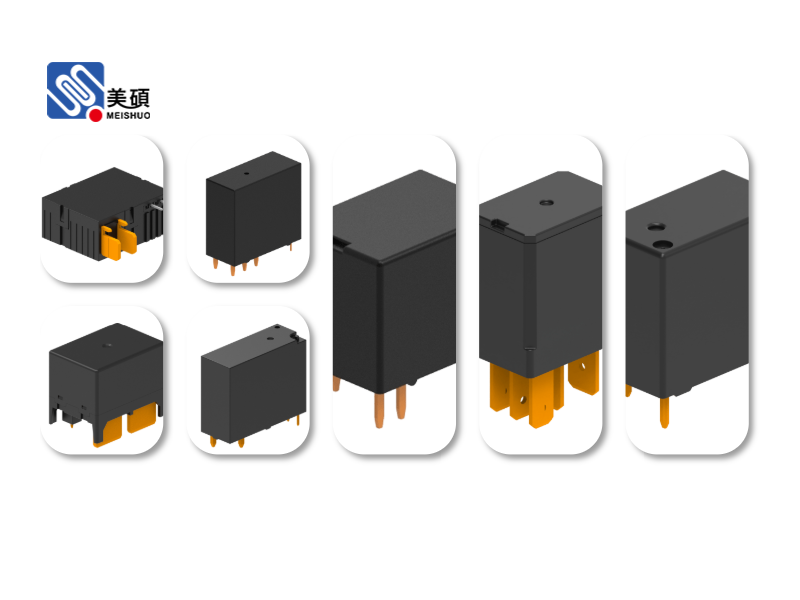
The Arduino Relay Module typically consists of the following components:
- **Relay**: The core component of the module, which is responsible for switching high-voltage devices on and off.
– **Transistor**: Acts as a switch to control the relay’s coil, which in turn switches the high-voltage device.
– **Diode**: Protects the transistor from voltage spikes generated by the relay coil when it is turned off.
– **Base Resistor**: Limits the current flowing through the transistor’s base to prevent damage.
– **Arduino Connectors**: Allows you to connect the module to your Arduino board.
**Applications of the Arduino Relay Module**
The Arduino Relay Module has a wide range of applications, including:
- **Home Automation**: Control lights, fans, and other appliances in your home using Arduino.
– **Industrial Automation**: Monitor and control high-voltage equipment in industrial settings.
– **Robotics**: Power motors and other components in your robots.
– **Security Systems**: Activate alarms and other security devices.
**How to Use the Arduino Relay Module**
To use the Arduino Relay Module, follow these steps:
1. Connect the relay module to your Arduino board using the provided connectors.
2. Connect the high-voltage device to the relay’s output terminals.
3. Write a program to control the relay using the Arduino IDE.
4. Upload the program to your Arduino board.
5. Power on your Arduino board, and the relay will switch the high-voltage device as per your program.
**Example Program**
Below is an example program that turns on a light connected to the relay module when the Arduino receives a signal from a digital input pin:
“`cpp
const int relayPin = 2; // Relay connected to digital pin 2
const int inputPin = 3; // Input signal from a sensor connected to digital pin 3
void setup() {
pinMode(relayPin, OUTPUT); // Set the relay pin as an output
pinMode(inputPin, INPUT); // Set the input pin as an input
}
void loop() {
if (digitalRead(inputPin) == HIGH) {
digitalWrite(relayPin, HIGH); // Turn on the light
} else {
digitalWrite(relayPin, LOW); // Turn off the light
}
}
“`
**Conclusion**
The Arduino Relay Module is an essential tool for anyone looking to control high-voltage devices using their Arduino board. By understanding its components, applications, and how to use it effectively, you can unlock a world of possibilities for your Arduino projects. So, go ahead and explore the endless possibilities that the Arduino Relay Module has to offer!
Leave a Reply